
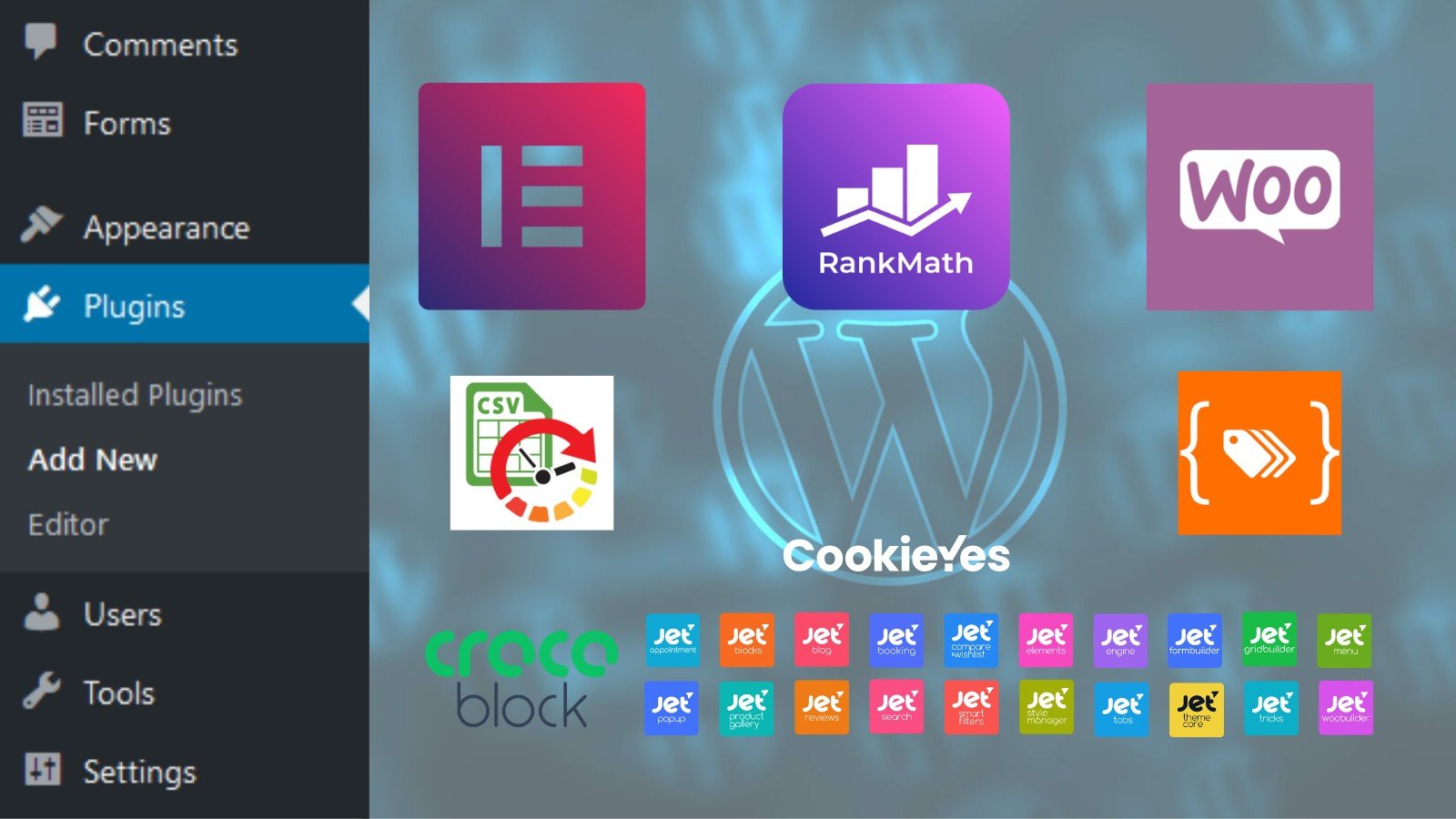
Adding & Extending Functionality
The core of WordPress is designed to be lean and lightweight, to maximize flexibility and minimize code bloat. Plugins then offer custom functions and features so that each user can tailor their site to their specific needs.

Built by the Community for the Community
WordPress plugins are created to add new or extend existing functionality to your site features and design. There are thousands of plugins available, with many written by experienced developers, making the job of optimising your site for the end user all the easier. The more common types you’ll find in use on WordPress sites include page builders, site security, caching, social media, SEO (Search Engine Optimisation) and analytics applications.
Our Recommended Plugins
This is a brief introduction to some of the plugins we tend to utilise for our projects. Like most WordPress plugins, they all have pros & cons and, often, a suitable alternative. The plugins below have served us well over the years, and we can confidently recommend them for use in your next project – subject to your requirements, of course.
Elementor + PRO

Whether you’re a web designer looking for a way to achieve pixel-perfect websites, a marketer looking to get online fast or a developer who wants to expand their capabilities, Elementor’s website builder has what you need – intuitive drag-and-drop Editor, advanced design features and a full open-source approach.
By Elementor †
Elementor is a popular WordPress page builder that offers an intuitive interface and powerful features that have made it a favourite among site creators and beginners alike.
Elementor elevates your design capabilities with advanced customisation options. With an extensive range of widgets, settings, and tools, you can personalise every element on your page. You have the freedom to adjust layouts, colours, fonts, and more to fit your brand’s identity. Additionally, responsive design settings ensure that your site stays visually appealing on all devices, which is crucial for user experience.
Tagged: ELEMENTOR
Crockoblock

Crocoblock is the right choice for those who want to keep abreast of the technology and all their tools to be at hand. The package includes everything from skins to dynamic templates, plugins, and interactive pop-ups. It is reasonably easy to use for everyone, regardless of their coding proficiency.
By Crocoblock †
Crocoblock offers a suite of powerful plugins designed to enhance the functionality of your WordPress site. Whether you’re building a blog, portfolio, or an online store, these plugins can make a significant difference in how your site performs and functions. With a variety of tools ranging from JetEngine to JetWooBuilder and plugins that include advanced filters & dynamic content, you can create unique layouts that stand out.
Crocoblock is a great choice for users looking for build/design flexibility and customisation. It is also a great tool to expand on the capabilities of Elementor to create a truly dynamic website.
Tagged: CROCOBLOCK
WooCommerce

WooCommerce is the world’s most popular open-source eCommerce solution. Whether you’re launching a business, taking brick-and-mortar retail online, or developing sites for clients, use WooCommerce for a store that powerfully blends content and commerce.
By WooCommerce †
If you’re looking to create an online store using WordPress, WooCommerce is one of the best options available. As a free plugin, WooCommerce transforms your WordPress website into a fully functional eCommerce platform, enabling you to sell anything from physical products to digital downloads.
Setting up your store with WooCommerce is straightforward. The plugin comes with a rich set of features such as customisable product pages, a shopping cart, and a secure checkout process. This flexibility allows you to tailor the store to your specific business needs.
Tagged: WOOCOMMERCE
Rank Math

SEO might be the best and most consistent source of traffic for one’s website, but it’s not without its quirks. The constant process of optimising your posts can sometimes take more time than actually writing the content. If you always feel that you can do more on the SEO front for your website but don’t have the time, then Rank Math SEO is what you’re looking for.
By Rank Math
When you’re looking to enhance your website’s visibility, the Rank Math plugin is a great go-to tool. It has a user-friendly interface, and it simplifies the often complex world of SEO. This powerful plugin offers features that help ensure your website ranks higher in search results, making it a wise choice for website owners of all levels.
Rank Math boasts a wide range of functionalities that cater to different SEO aspects. From optimising metadata to implementing structured data and generating XML sitemaps, the plugin covers everything you need. It also provides rich snippets support and on-page SEO analysis, enabling you to enhance your content’s performance effectively.
Tagged: RANK MATH
WP Ultimate CSV Importer PRO

Use WP Ultimate CSV Importer PRO to experience seamless content transfer between WordPress sites while gaining ultimate control over your data. With this user-friendly import and export tool, it’s easy to migrate any WordPress content as CSV or XML.
By SmackCoders
The WP Ultimate CSV Importer Pro plugin is designed to simplify the importing process of data into your website, making it user-friendly for beginners and seasoned site creators alike. You can import various content types, including posts, pages, custom post types, and more, from CSV files seamlessly. This flexibility saves you time and reduces the hassle of manual data entry.
It provides comprehensive support for custom fields & taxonomies to ensure that your data remains organised & easily accessible – Integration includes WooCommerce, Crocoblock, ACF, Toolset and more…
Tagged: Import/Export Tools
Other Useful Plugins...

Google Tag Manager for WordPress
Google Tag Manager (GTM) is Google’s free tool for everyone to manage and deploy analytics and marketing tags as well as other code snippets using an intuitive web UI. This plugin places the GTM container code snippets onto your WordPress website so that you do not need to add this manually.
Tagged: GOOGLE TAG MANAGER


Admin Menu Editor
Admin Menu Editor lets you manually edit the WordPress Dashboard menu. You can reorder the menus, show/hide specific items, change permissions, and more...
By Janis Elsts
Tagged: WP Admin